NEW FEATURE ALERT
Import Multiple Photos
We recently launched the ability to process payments to a biller's BSB and Account Number (and we couldn't be happier about the wonderful response we've had from our users!)
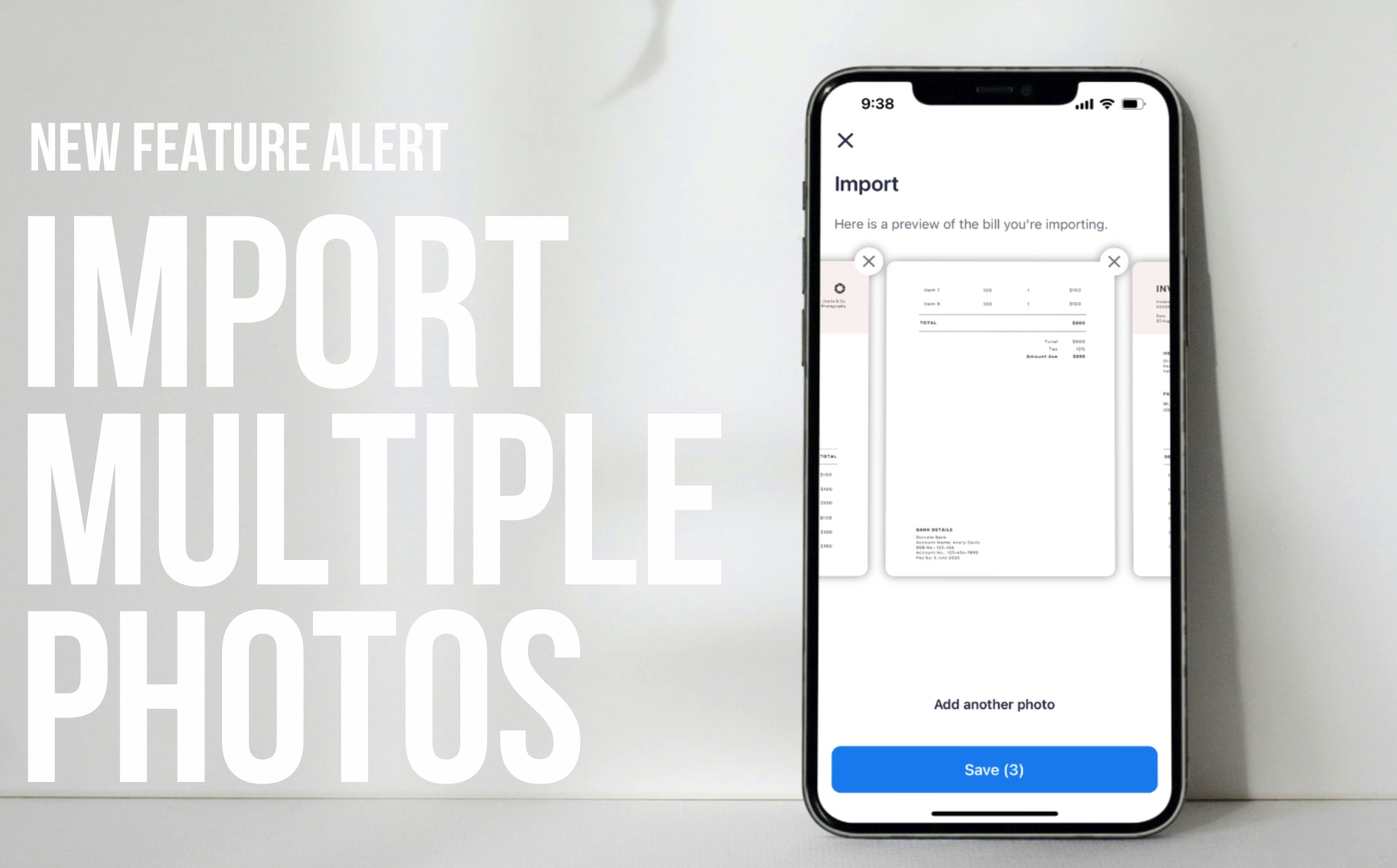
In recognising the importance of simplifying this payment process, we've introduced a new feature in our app. Users can now import multiple photos of their bills, which is particularly handy for invoices spread across several pages.
Learn how
/uploads/Import-Multiple-Photos-Camera-Roll.mp4
Import multiple photos from your camera roll
- Open the Sniip app and select the '+' icon in the top right corner.
- Select 'Import from photo'.
- Choose 'Select from photos'.
- Tap on the first photo you wish to upload.
- To add an additional photo, select 'Add another photo'.
- Once you have selected your photos, press the 'Save' button to upload. Please note, there is a maximum of 5 images you can upload.
- All done!
You'll receive a notification when your bill has been added to the 'To Pay' tab in the 'Bills' section.
/uploads/Take-multiple-photos-to-upload.mp4
Take multiple photos of your bill
- Open the Sniip app and select the '+' icon in the top right corner.
- Select 'Import from photo'.
- Choose 'Take a photo'.
- Take a photo of the invoice you wish to upload.
- To add an additional photo, select 'Add another photo'.
- Once you have finished taking photos of your invoice press the 'Save' button to upload. Please note, there is a maximum of 5 images you can upload.
- All done!
You'll receive a notification when your bill has been added to the 'To Pay' tab in the 'Bills' section.
/uploads/Take-multiple-photos-to-upload.mp4
What information do I need? To successfully add your non-BPAY bill into the Sniip app, please ensure your invoice contains the following information:
- The phrase 'Tax Invoice'
- ABN (Australian Business Number)
- Total bill amount
- Bank Account Details (incl BSB and Account Number)
These details will be imported by Sniip, ready for your review. You do not need to enter these details manually.
How to upload a non-BPAY bill

What bills can I pay?
If your bill has a BPAY Code and Reference Number, or your biller's BSB and Account Number, chances are you can pay it through Sniip! Below is a snapshot of some of some of our most common bill payment types:
- Real estate services
- Government bills (e.g. Australian Taxation Office)
- Insurance
- Administrative services
- School fees
- Land tax
- Management advice and related consulting services
- Legal services
- Advertising services
- Accounting services
- Car rego
- Residential building construction
- Concreting services
- Specialist medical services
- Electrical services
Pay now
Stay up to date with new features and announcements
NEW FEATURE ALERT Import Multiple Photos We recently launched the ability to process payments to a ...
Read More

Sniip user’s top bills in February 2024 American Express (Business) American Express ...
Read More

Managing your recurring payments through Sniip Sniip offers the flexibility to easily set-up ...
Read More
Sniip user’s top bills in January 2024 American Express (Business) American Express (Personal) ...
Read More