

Pay your RatesWaterElectricityInsuranceTaxPersonal bill, with any payment method.
Learn more:
Add a new payment method Add a card while making a payment
Add a new payment method
Select 'Payment Methods' from the left hand menu.
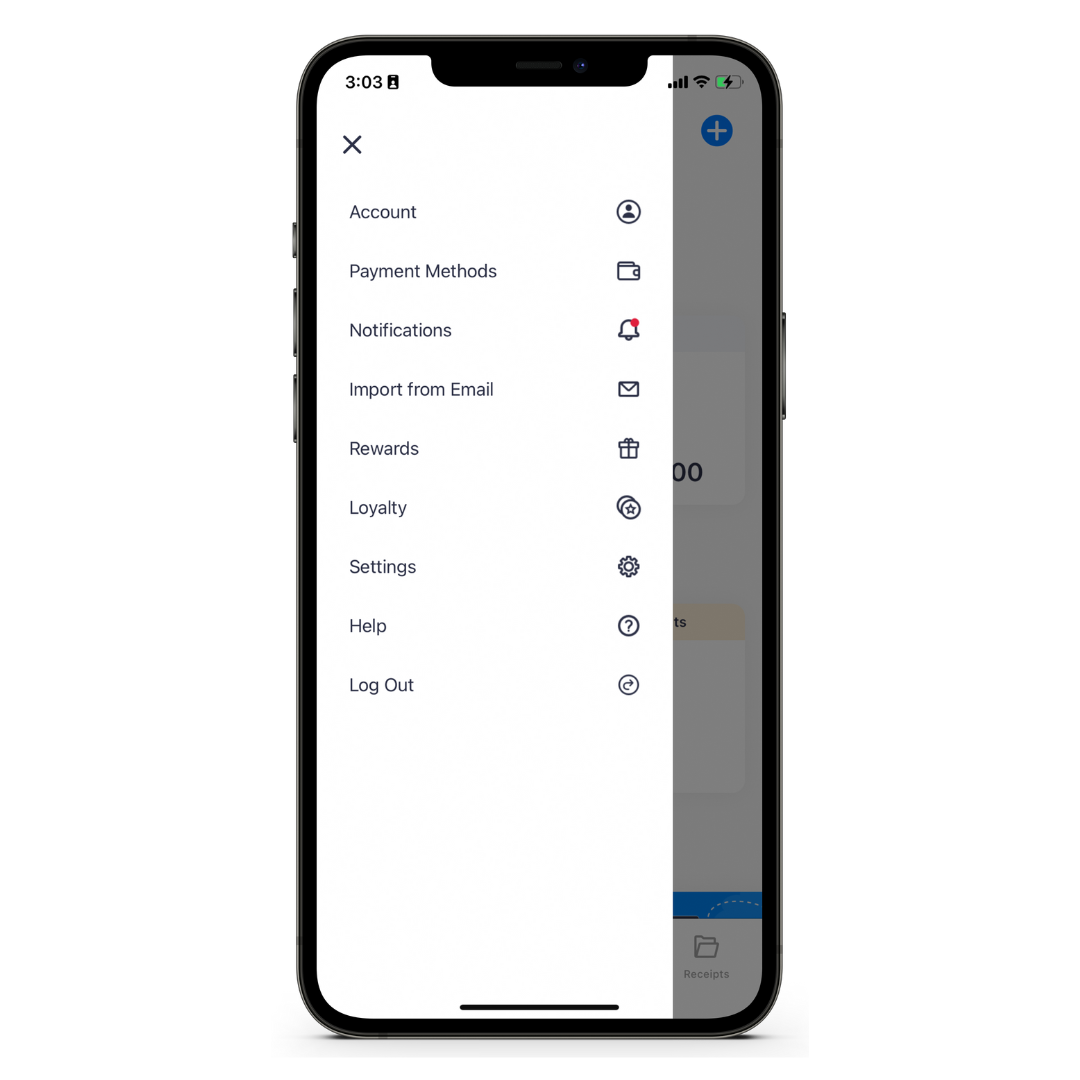

Step 2
Tap the '+' to add a new payment method.
Step 3
Select 'Credit/Debit Card' from the payment method options.


Step 4
Enter your card details, including the Card Number, Expiry, CVV and the name on the card.
At Sniip, we’re proud to be certified Tier 1 Payment Card Industry Data Security Standard (PCI DSS) compliant. This is the same standard that an Australian bank must comply with. We take every measure to ensure your security. Make bill payments securely with Sniip.
Done!
You are now ready to use your card in the Sniip app to make payments.

Adding a card while making a payment
When at the point of choosing your payment method, you can add a new one by tapping the '+'.
